TypeShade
Examples
There are 98 runnable examples in the repository, from cartographic passes and the ShaderToy-era screen-space effects to compute kernels; 12 of them use emulated double precision. Browse the examples directory.
Learn TypeShade by building
Each step connects one Language Guide concept to actually writing a shader.
- 1. First shader
Start with the shape of a "use typeshade" file and its shader entries.
Quick start → - 2. Values and types
See how TypeScript type aliases and classes become GPU value layouts.
Types → - 3. Compose functions
Combine helper functions with stage entries to build shader calculations.
Functions → - 4. GPU data
Connect vectors, matrices, arrays, and host-owned shader resources.
Resources → - 5. Real examples
Read the repository examples and combine the language pieces into complete shaders.
Source examples →
MNIST training with TypeShade
A real-data softmax regression journey with forward, loss, gradients and SGD computed by TypeShade.
Explore the MNIST training journey →Written as TypeScript source
Each example is a TypeScript file that opens with "use typeshade", compiled by compile() from the file's own bytes. Each one is there for one part of the language, and they are grouped here that way. 73 have a GLSL ES 3.00 form and the others emit WGSL alone. The ones the page can draw carry a picture.
Cartographic
-
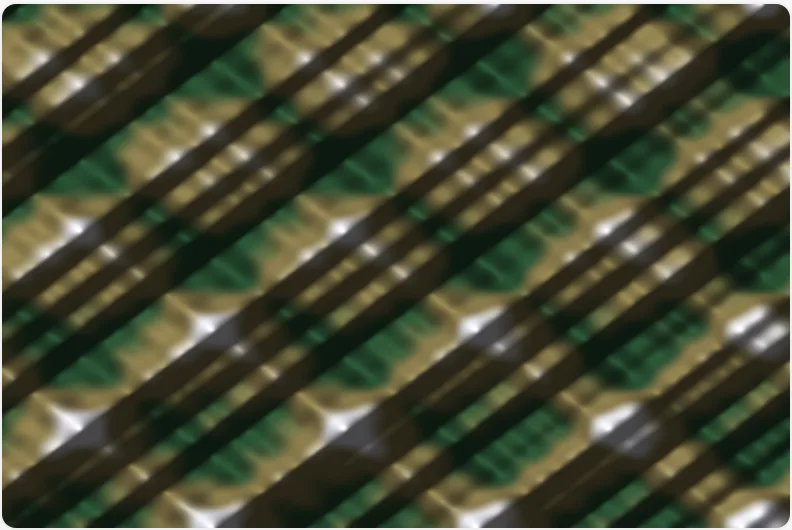 Hillshade Shaded relief.
 -
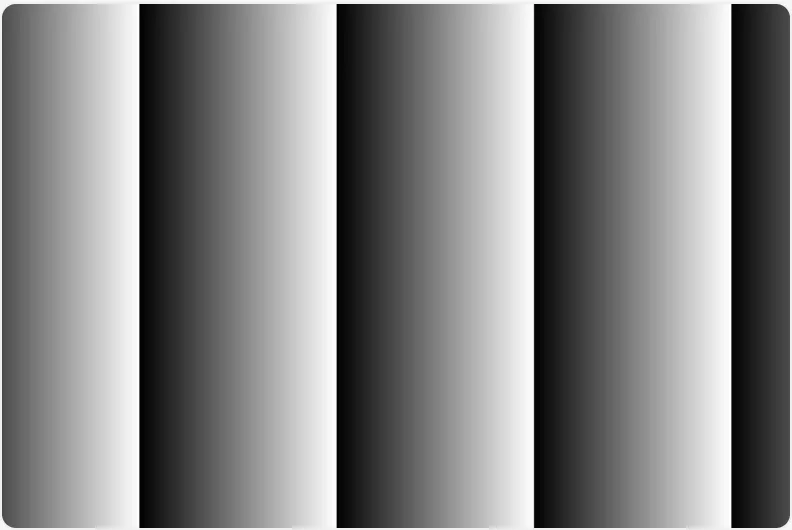 fp64 deep zoom Emulated double precision (two-f32 df64).
 -
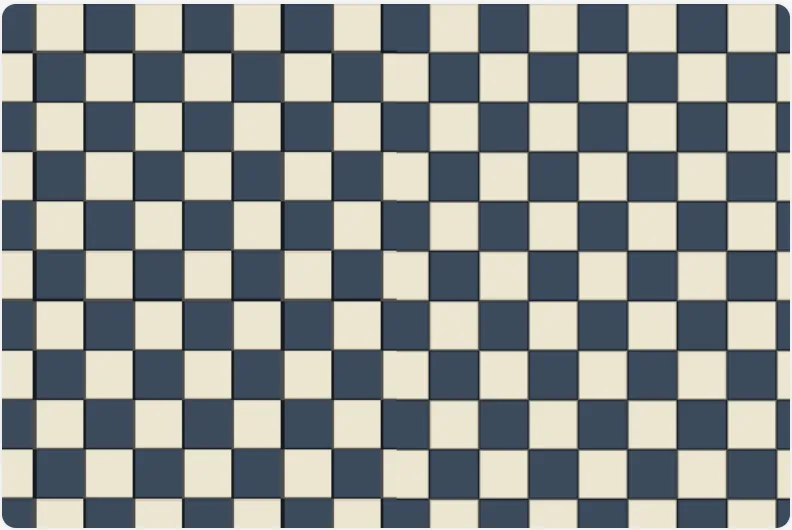 fp64 checker plane A 1-unit checkerboard on a world plane.
 -
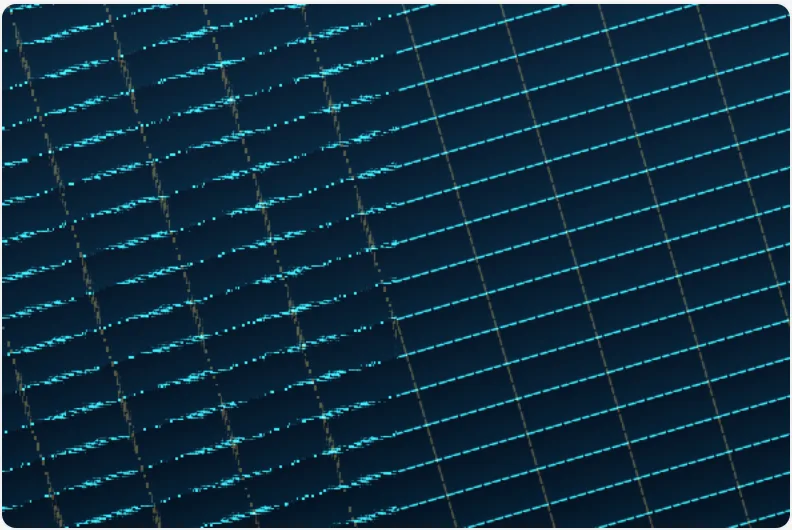 fp64 hyperbolic navigation A LORAN-style chart grid.
 -
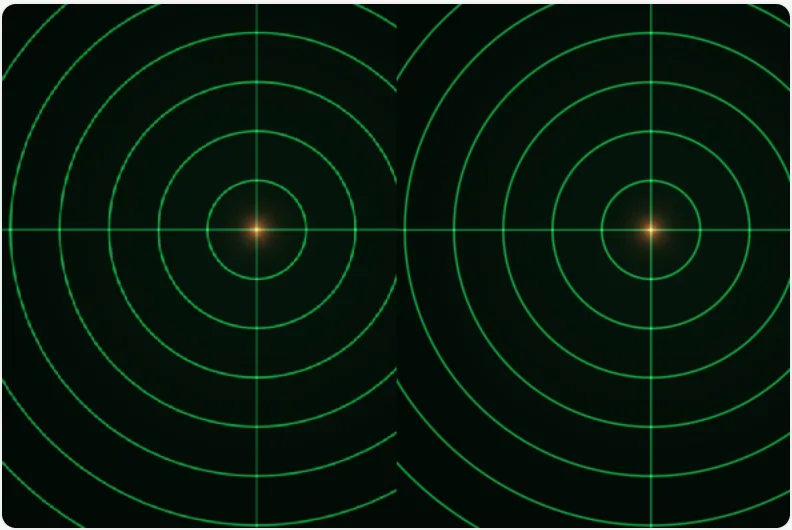 fp64 relative-to-center Why planet-scale engines render relative-to-eye.
Screen space
-
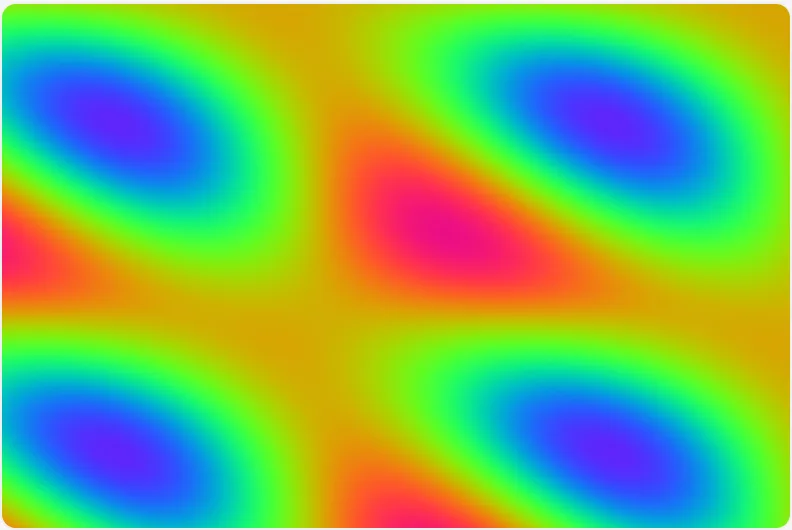 Plasma The classic sum-of-sines plasma folded through an RGB palette.
 -
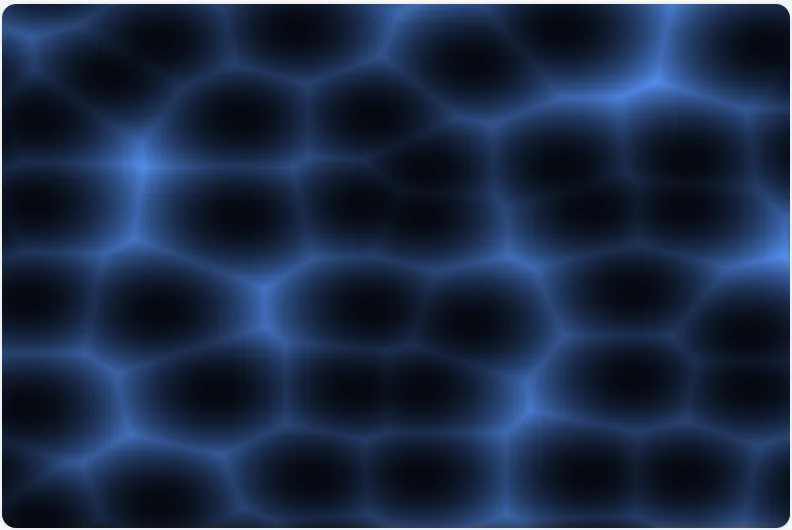 Voronoi Animated cellular noise.
 -
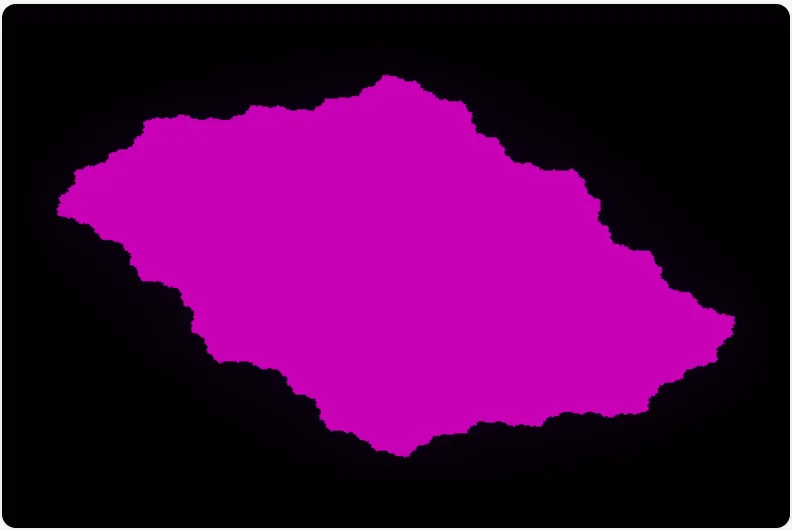 Julia set Escape-time Julia fractal.
 -
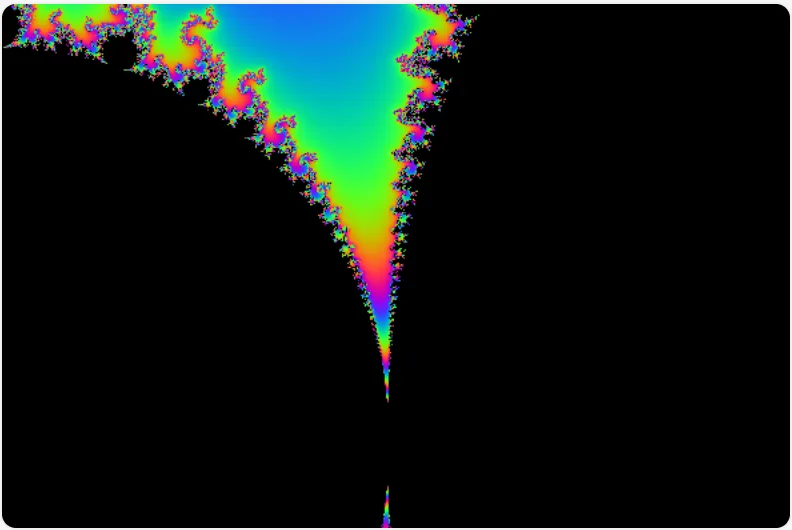 Mandelbrot set The Mandelbrot set with smooth escape-time colouring.
 -
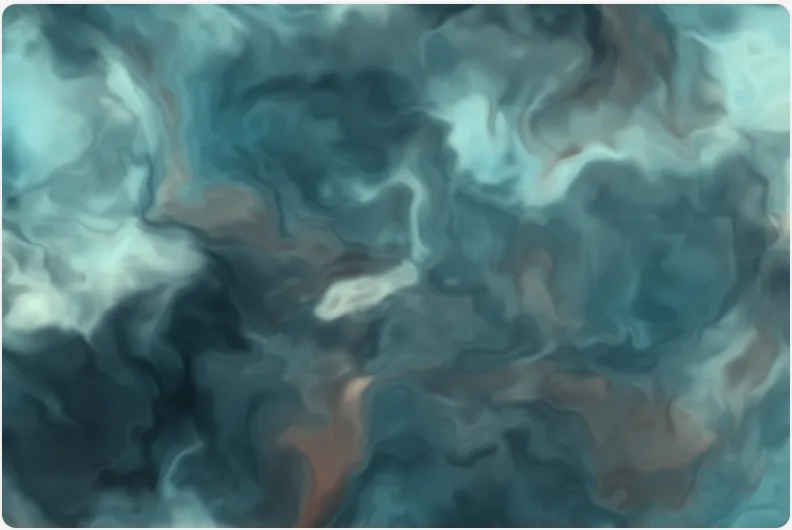 Domain warping fbm fed its own output.
 -
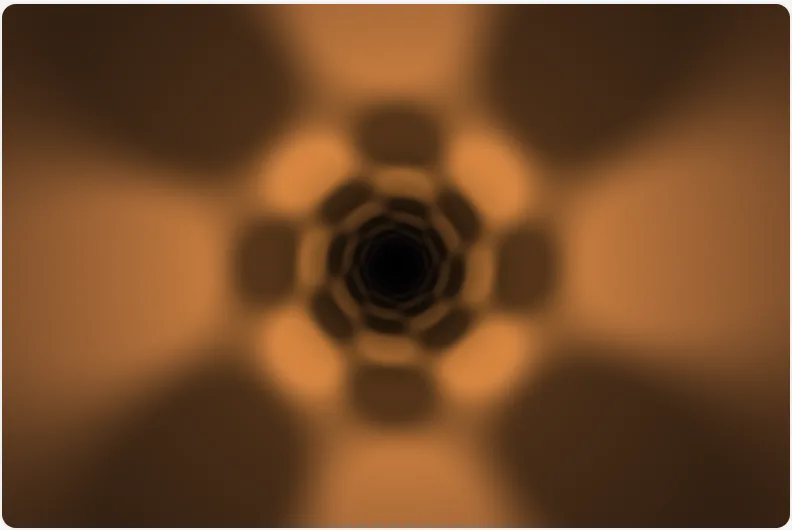 Tunnel The demoscene tunnel.
 -
 Ocean horizon A seascape from first principles.
 -
 Starfield A textureless night sky.
 -
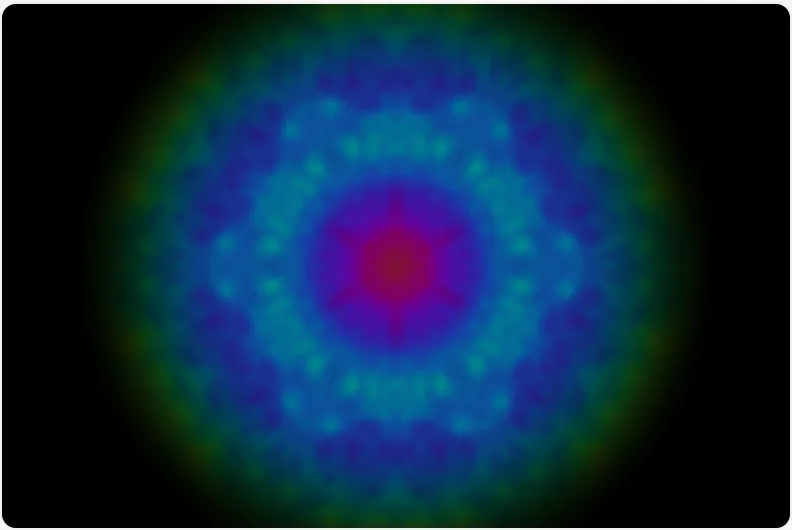 Kaleidoscope The polar mirror fold.
 -
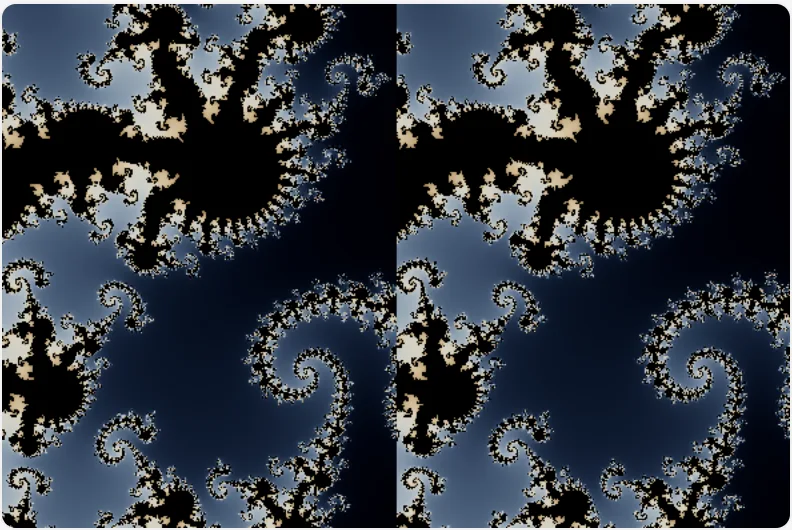 fp64 Julia set The Julia-set face of the double-float technique.
 -
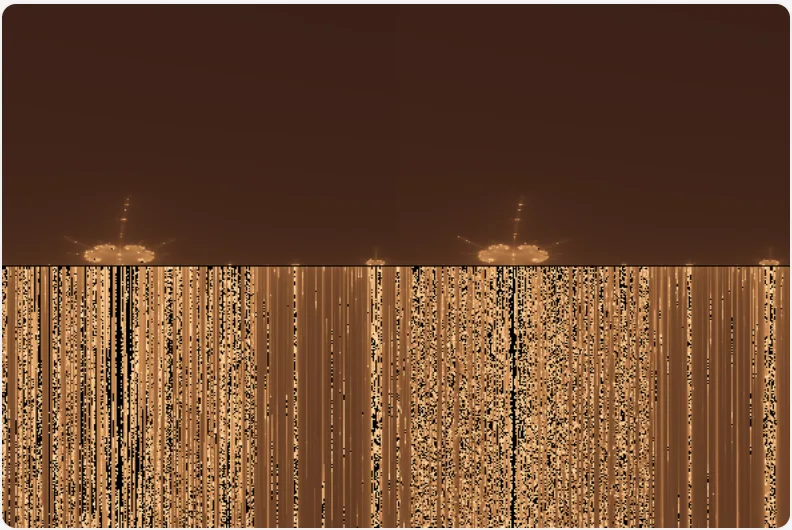 fp64 Burning Ship The Burning Ship fractal (fold |Re z|, |Im z| before squaring) zoomed onto its needle spike.
 -
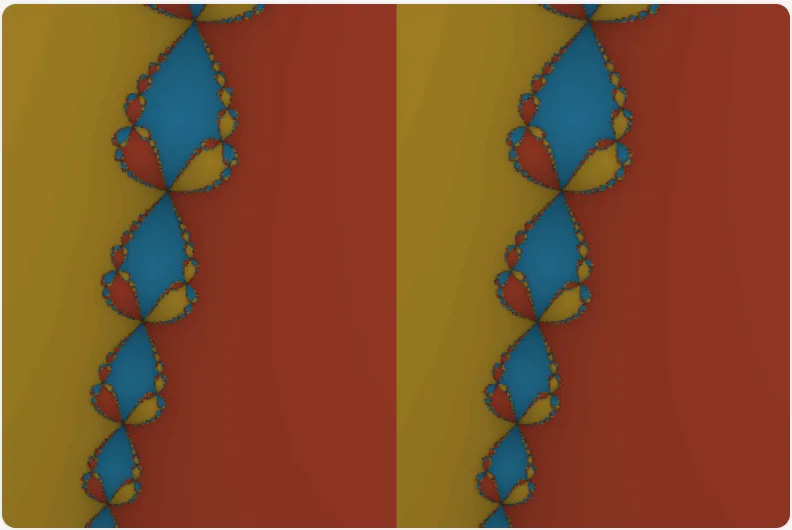 fp64 Newton fractal Newton’s method for z³ = 1, colour = which cube root a pixel falls into.
 -
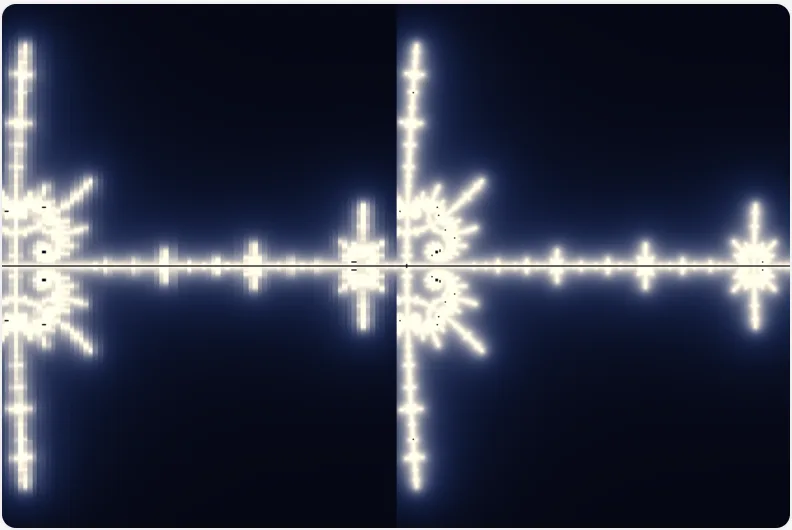 fp64 distance estimate Mandelbrot boundary rendered by distance estimate (d = ½·|z|·ln|z|/|dz|) with precision split mid-formula.
 -
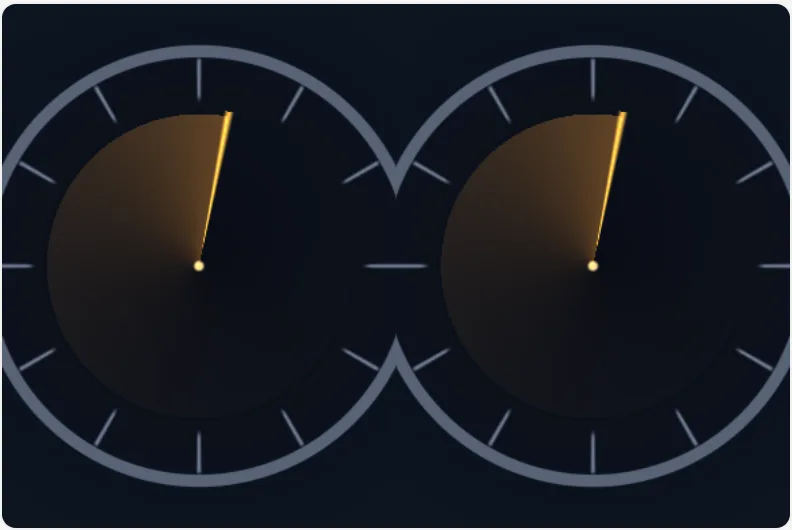 fp64 long-uptime clock The long-uptime animation bug.
 -
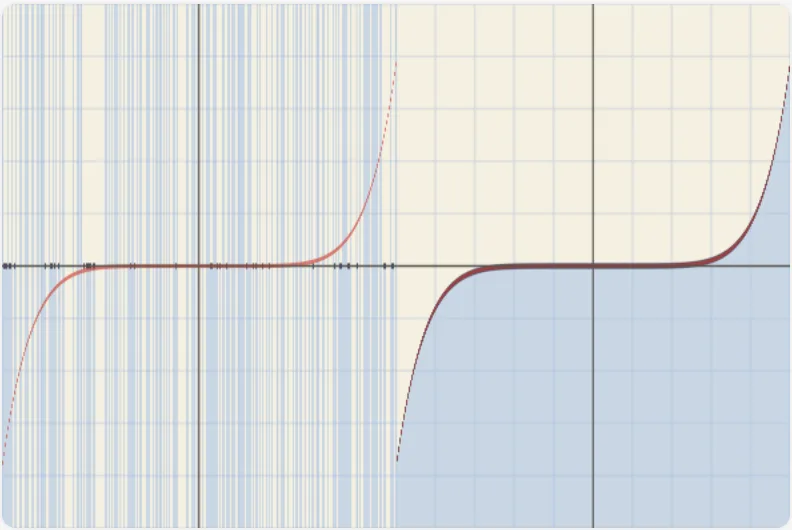 fp64 catastrophic cancellation The numerics-textbook plot on a GPU.
 -
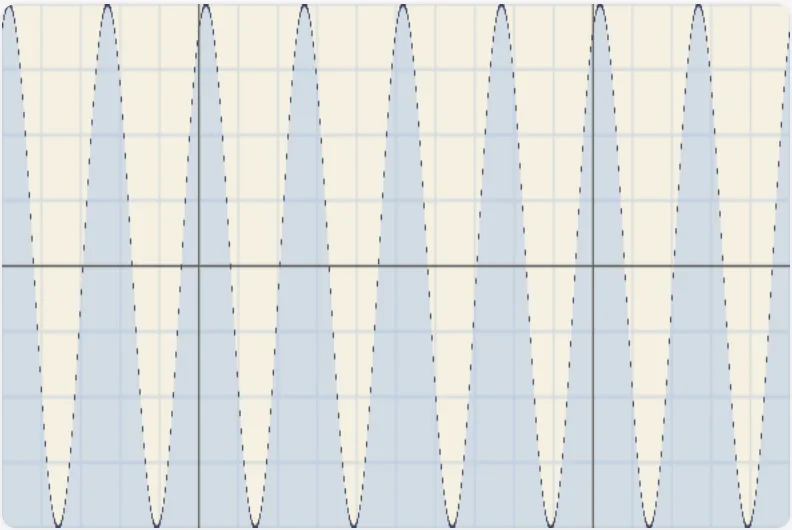 fp64 sine sweep sin(x) for x = a large base + a small on-screen sweep.
 -
 Gradient pass A two-colour vertical gradient with a biasable blend.
Stages and IO structs
-
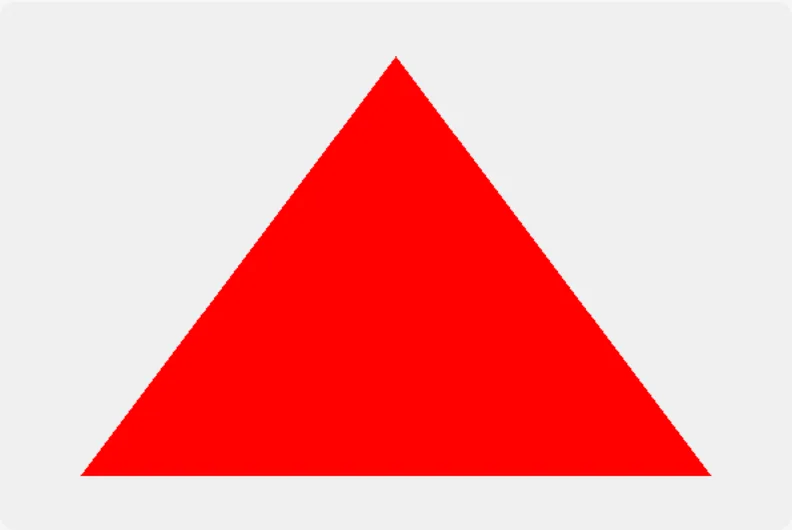 Hello triangle The smallest complete TypeShade program.
 -
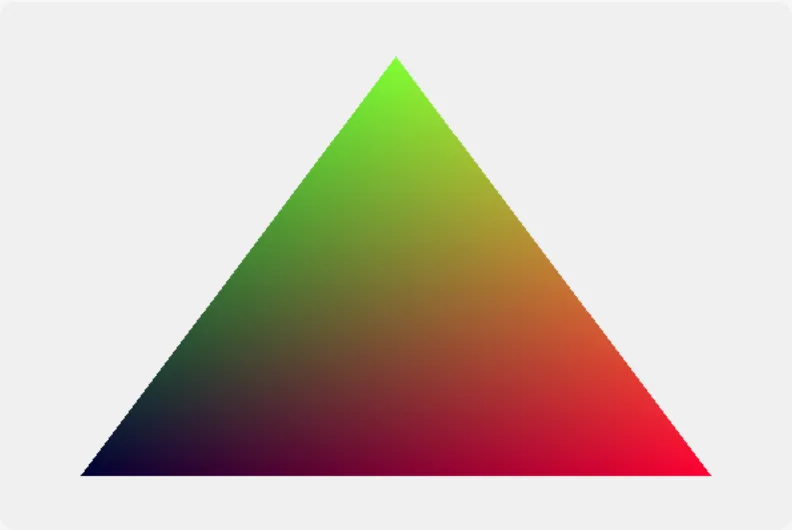 Hello varyings The triangle again, now carrying a
 uvvarying from the vertex stage into the fragment stage through a sharedVsOutclass. - No picture: this example is not one the page can draw. Hello vertex attributes Vertex input from a buffer rather than from
vertex_index. -
 A vertex that returns only the position The smallest render pair.
 -
 Twin IO structs Two IO structs with identical fields, a vertex output and a fragment input, with object literals in all three positions that declare which one they build.
 -
 An integer varying, and the interpolation it has no choice about Entry IO as WGSL declares it.
 - No picture: this example is not one the page can draw. User clip planesWGSL only Four user clip planes through
@builtin("clip_distances"), the vertex output the rasterizer reads before it rasterizes.
Resources
- No picture: this example is not one the page can draw. Hello uniformWGSL only A bare
declare const scale: uniform<f32>. -
 Hello uniform block The uniform that does have a GLSL ES 3.00 form.
 - No picture: this example is not one the page can draw. Hello camera uniformWGSL only A
Cameraclass ofmat4+vec3behinduniform<Camera>, read by a plain helper function. - No picture: this example is not one the page can draw. Texture, sampler and overrides A fullscreen triangle sampling a
texture_2d<f32>through asampler, tinted by twooverride<f32>specialization constants. - No picture: this example is not one the page can draw. Runtime array lengthWGSL only The bounds guard every kernel over a runtime-sized storage array needs.
- No picture: this example is not one the page can draw. A storage textureWGSL only An image a compute entry writes by texel coordinate, with no sampler and no filtering.
- No picture: this example is not one the page can draw. A shadow map, read by comparison A depth texture read through a
sampler_comparisonwithtextureSampleCompareandtextureSampleCompareLevel, on a plain 2D shadow map and on a cascade array. - No picture: this example is not one the page can draw. Cube and 3D textures, bias and gradients An environment map as a
texture_cube<f32>looked up by direction, a colour-grading table as atexture_3d<f32>the shaded colour indexes,textureSampleBiasandtextureSampleGrad, and a point light’s shadow as atexture_depth_cubecompared by the direction from the light. - No picture: this example is not one the page can draw. The WGSL-only texturesWGSL only A colour ramp as a
texture_1d<f32>, two environment maps as atexture_cube_array<f32>picked by layer, a hand-written percentage-closer filter fromtextureGatherCompare, atextureGatherof one channel from four texels, and a point light’s shadow as atexture_depth_cube_array. - No picture: this example is not one the page can draw. A multisampled texture, resolved by handWGSL only An MSAA render target as a
texture_multisampled_2d<f32>read one sample at a time withtextureLoad(t, coords, sampleIndex)and averaged overtextureNumSamples, and its depth attachment as atexture_depth_multisampled_2d. -
 A uniform holding a list A
 uniformholdingarray<f32, 4>. - No picture: this example is not one the page can draw. A sample under a branch, and the directive that allows it WGSL requires
textureSampleto be called from uniform control flow.
Values and control flow
-
 Module constants A module-scope constant of every scalar type the compiler allows.
 -
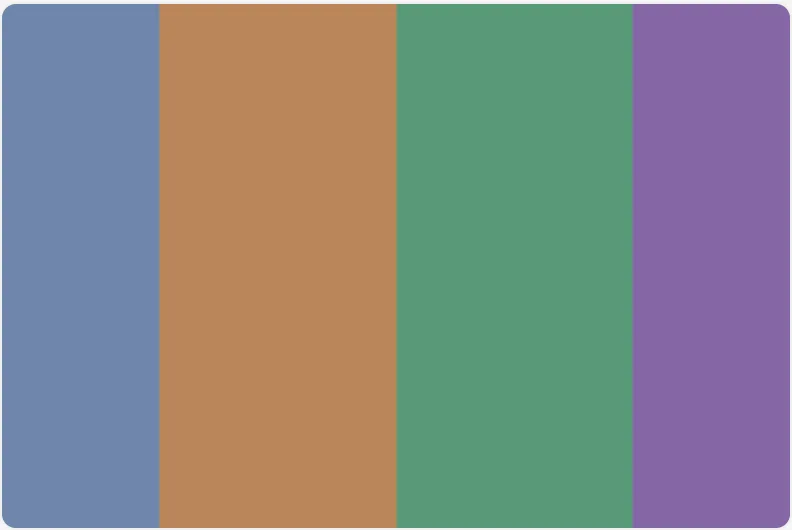 Module vector and array constants A fullscreen triangle banded by a module-scope
 array<vec4, 3>palette and anarray<f32, 3>of stops, with avec3constant built from an earlier scalar one. -
 Array literals A fullscreen triangle whose corners come from two
 array<f32, 3>lists and whose colour comes from anarray<vec3, 3>of stops weighted by anarray<i32, 3>. -
 Converting constructors A fullscreen triangle whose corner comes from
 vec2(vec2u(...))and whose colour comes from anf32→u32→f32round trip. -
 Matrices beyond mat4 Every
 matCxRis a type. -
 Emulated doubles The
 f64surface as source. -
 Bitfield bands A fullscreen triangle whose colour is chosen by a
 switchover a band index built with&=,|=,<<=,>>=and^=, withlet x: f32declared before it is assigned and the varyings returned as{ pos, uv }shorthand. -
 Block scope Two sequential loops over
 i, apin a loop body beside apin anifarm, and an innerpthat shadows the outer one. -
 A conditional on a struct and on an array Two arms that are structs, and two that are fixed-length arrays, chosen at run time.
 -
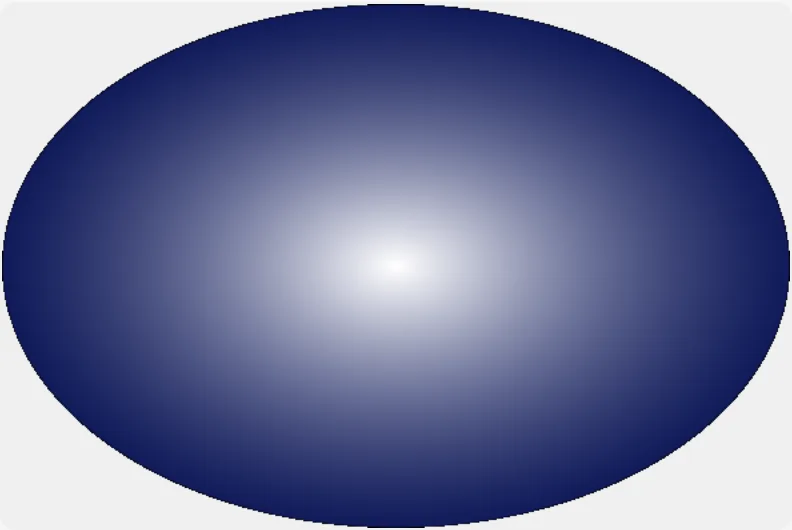 Cutout (source language)
 discardin a helper the fragment entry calls, withfwidthsoftening the rim andsaturate,exp2and**shaping the falloff. -
 Default parameter values Three helpers with default parameters, each called with a different argument omitted.
 -
 Parameters that write back: @inout and @out Functions that change their caller's variables.
 -
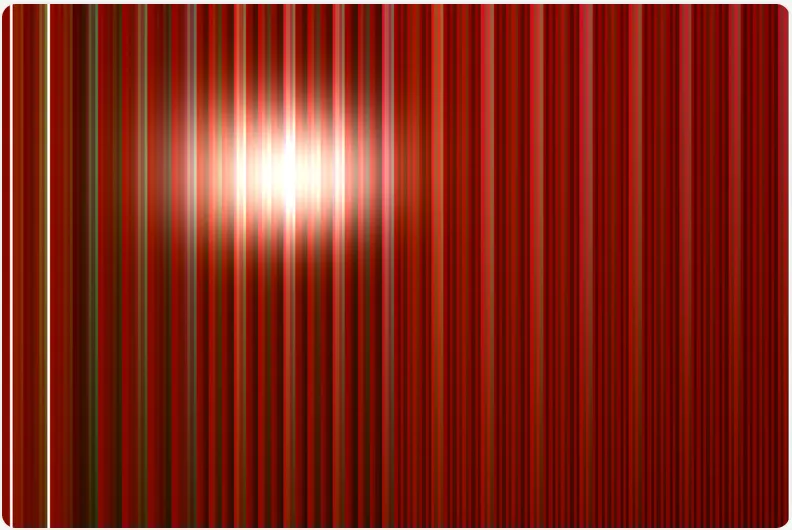 Builtin breadth
 reflect,refractandfaceForwardlight a bump,transposeanddeterminantread the host matrix, and the bit builtins (firstLeadingBit,reverseBits,countOneBits,extractBits,insertBits) band the screen, withfwidthCoarsemarking where a band starts. -
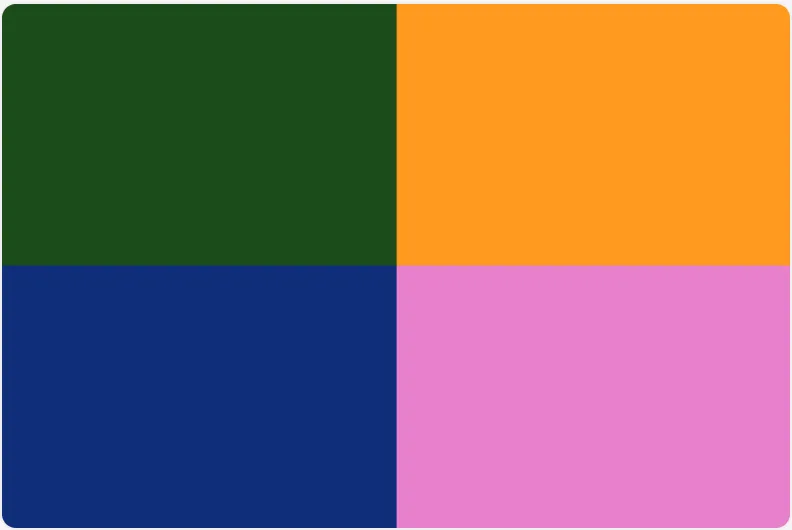 Boolean vectors A comparison of two vectors is a vector of bools.
 -
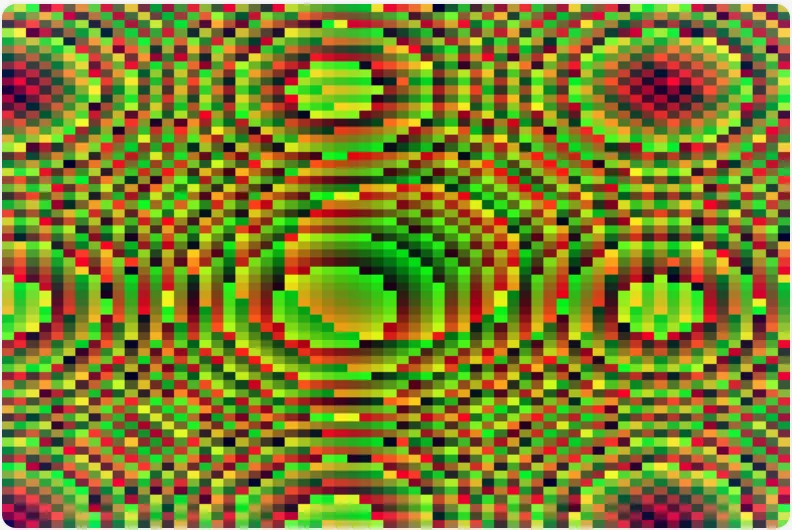 Integer abs and dot The two builtins the registry called portable and are not.
 -
 Packing, bitcast and the constructors The portable builtins WGSL has that this surface lacked.
 - No picture: this example is not one the page can draw. Packed 4x8 integer builtinsWGSL only The eight builtins that read a
u32as four bytes or write four back. -
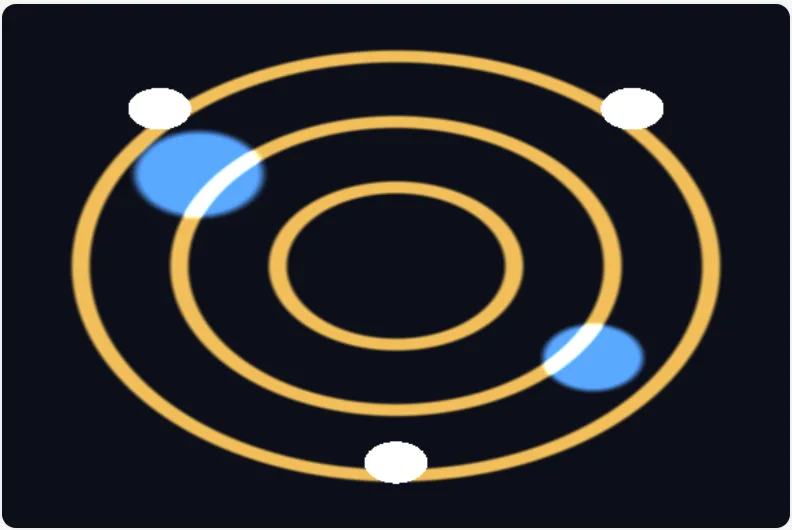 Local functions that read and write the variables around them
 ringreadspandwidthfrom the fragment entry and adds to itsglow, as a TypeScript closure does. -
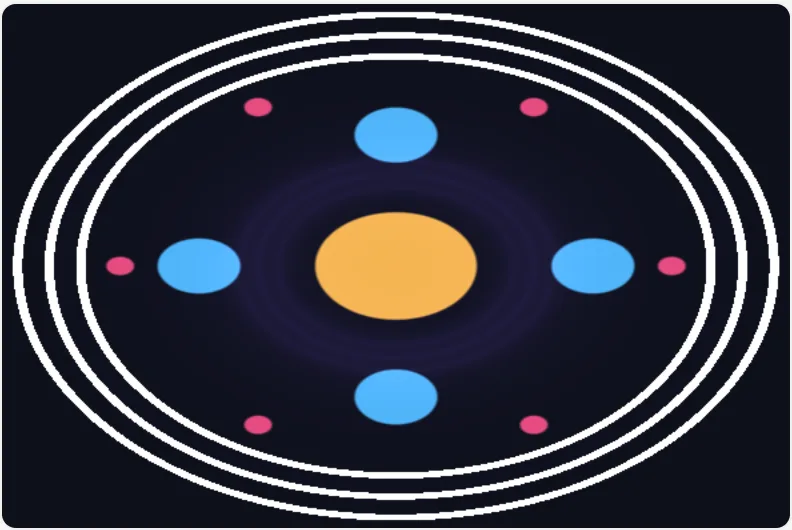 Functions that take a function
 coverandaround4take a distance field as a function,f: Field, and are compiled once for each function a call hands them, as a generic function is once per set of type arguments (Rule 8.18). -
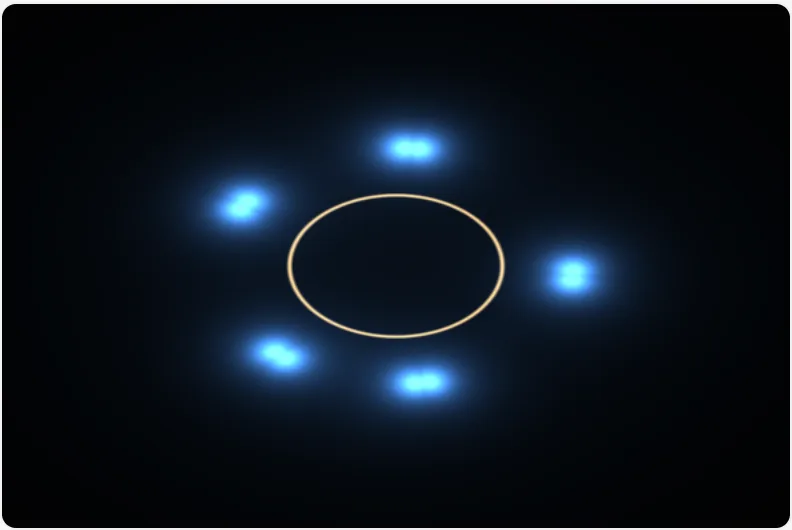 Return types the body says No function here writes a return type, and each returns what its body does, as TypeScript infers it (Rule 8.19).
 -
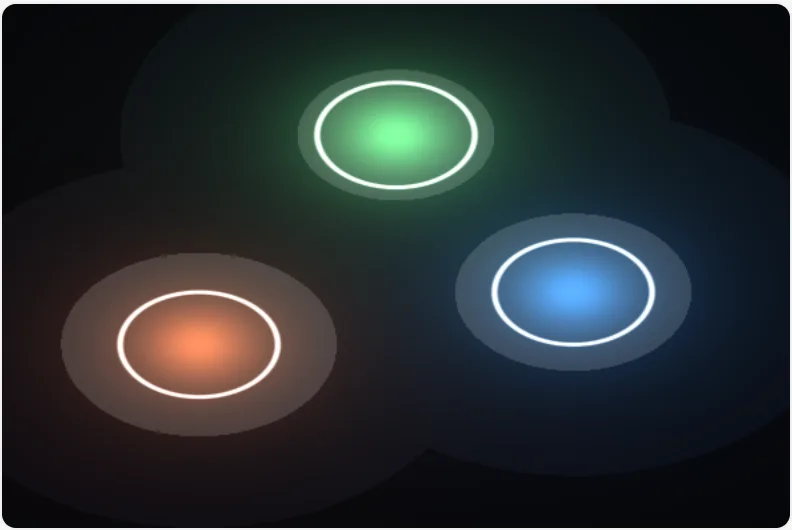 An array's methods Three lights in an
 array<Light, 3>, lit with the methods a TypeScript author reaches for first (Rule 8.18, surface §63). -
 Loops over data The three loops a program over data writes, through Tint and a real WebGL2 context.
 -
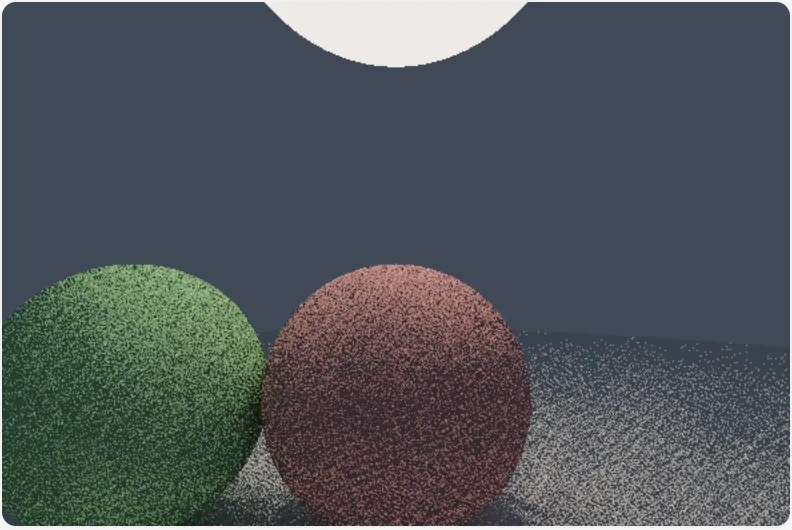 Path tracer A small path tracer as ordinary TypeScript.
Classes and generics
-
 Class-based Capsule Corp. spaceship on Namek A class-based conversion of a Dragon Ball Z Capsule Corp.
 -
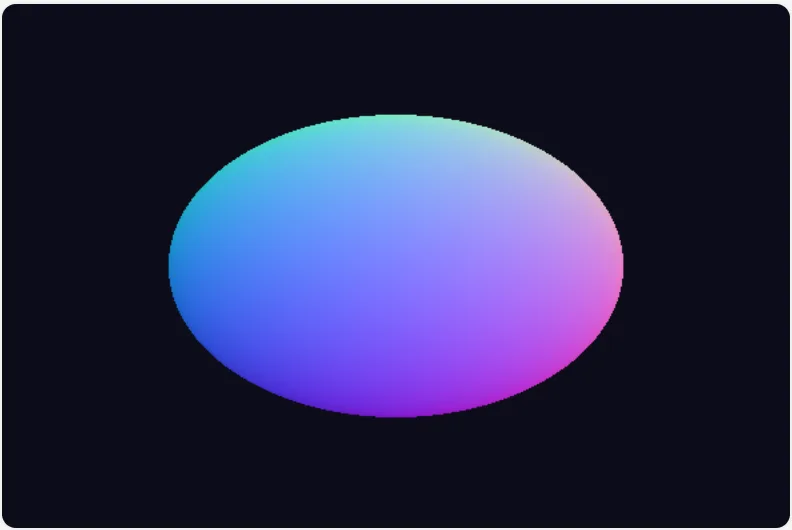 Class methods A
 class Raywith a constructor, a method and a static function, and aclass Spherewhosehit(ray)method returns the distance along the ray. -
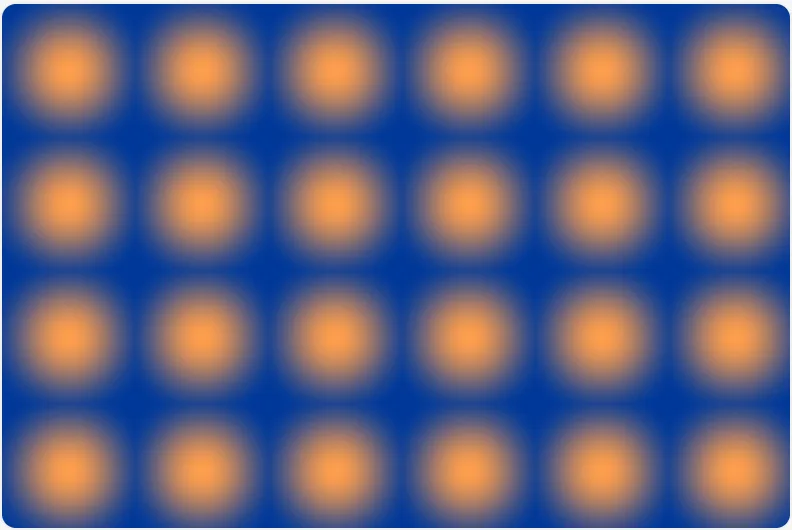 A method that changes its object A
 class Bodywhosestep,turnandadvanceassign tothis, so each takes its object by reference. - No picture: this example is not one the page can draw. Methods that change their objectWGSL only A
class Particlewhosestep,bounceandtickassign tothis, called on a storage element. -
 Inheritance An
 abstract class Shapewith a concrete method and an abstract one, two classes that extend it, and one that extends a subclass and callssuper. -
 The mixin pattern A
 function Tinted(Base)whose body is onereturn class extends Base { ... }, applied to two different geometry classes. -
 Generics by monomorphisation Three generic helpers, each compiled once per set of argument types the file calls it with.
 -
 A generic class by monomorphisation A
 class Slot<T>used at f32 and at vec3, so the module carriesSlot_f32andSlot_vec3as separate structs, each with its own constructor and its own copy of every method. -
 A tuple and a branded alias A tuple is a list of a length the type fixes, which is what
 array<T, N>is, so[f32, f32]isarray<f32, 2>. -
 Getters, setters, private names and parameter properties A
 class Ringwritten the way TypeScript classes are. -
 A method that changes its object and returns a value A
 class Rngwhosenext()advances the generator's state and returns the draw. -
 A builder chain, super on accessors, and statics a subclass inherits
 a.at(p).tinted(c)runs each call ona, in order, because a method whose everyreturnisreturn thishands back its own object, andnew Disc().at(p).sized(r)holds whatnewbuilt in a temporary (Rule 8.10). -
 Objects inside objects, a const that holds one, a field that holds a function, and an interface as a contract
 ring.advance(dt)moves the ring by callingstepon theMoverit holds, soadvancechanges its own object and takes it by reference, whichever classstepbelongs to (Rule 8.10). -
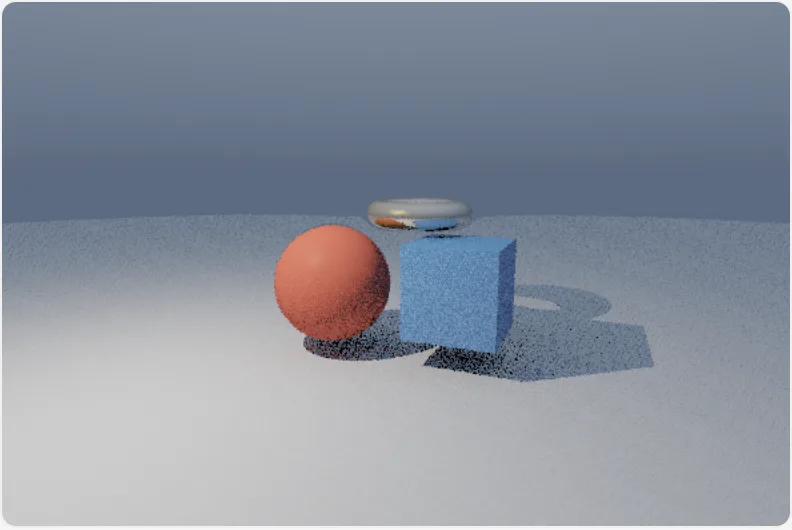 Class-based 3D SDF ray tracer A 3D signed-distance-field renderer built with an abstract SdfShape base class and concrete Sphere, Box, Torus and Plane subclasses.
Imports

Several passes

Module state and compute
-
 Per-invocation state A plain top-level
 let seed: u32is WGSL'svar<private>, one copy per invocation that every function of the invocation shares. - No picture: this example is not one the page can draw. Workgroup scratch memoryWGSL only
let tile: workgroup<array<f32, 64>>is WGSL'svar<workgroup>, one copy per workgroup its invocations share, here as scratch each invocation owns a slot of, beside a workgroup array of atomics and a per-invocation counter. - No picture: this example is not one the page can draw. Workgroup reductionWGSL only 64 invocations sum 64 values into one through workgroup memory, with
workgroupBarrier()ordering the rounds. - No picture: this example is not one the page can draw. Atomic histogramWGSL only Many invocations count into one bin at once with
atomicAdd(bins[bin], 1), one indivisible step each; a storage struct field and a barestorage<atomic<u32>>binding show the other two shapes of location, and the value an atomic returns is what it held before. - No picture: this example is not one the page can draw. Console from the GPUWGSL only
console.log("i =", gid.x, p)inside a compute kernel. - No picture: this example is not one the page can draw. Compare-exchange, uniform load, texture barrierWGSL only The three synchronisation builtins WGSL has and this surface lacked.
- No picture: this example is not one the page can draw. Compute reductionWGSL only A @workgroup_size compute kernel folding a window of an input storage buffer into one output element with reduce().
- No picture: this example is not one the page can draw. Two-dimensional workgroupWGSL only
@compute([8, 8])is WGSL's@workgroup_size(8, 8). - No picture: this example is not one the page can draw. Workgroup size overrideWGSL only One
override<u32>sets the compute entry's workgroup size and the outer length of its shared scratch array.
Loops as kernels
- No picture: this example is not one the page can draw. A loop that runs as a kernelWGSL only The roadmap's terrain.
- No picture: this example is not one the page can draw. Reductions in a loopWGSL only A sum, a mean and a variance, and a histogram, each a loop over an array.
- No picture: this example is not one the page can draw. A loop over an array of structsWGSL only The particle step as a loop over
array<Particle>. - No picture: this example is not one the page can draw. Loops that run on the CPUWGSL only One loop for each rule of the independence proof (R1 to R6) that the proof refuses.
- No picture: this example is not one the page can draw. An array's methods in a kernel functionWGSL only
sumOfSquares,scaleandfirstAbovereduce, write and search an array with the methods ofArray.prototypea TypeScript developer writes first (change 0079). - No picture: this example is not one the page can draw. A kernel that appends with pushWGSL only
strongappends the index of each element above a threshold without.push(i)(change 0078). - No picture: this example is not one the page can draw. A kernel that collects unique labels in a SetWGSL only
labelsadds each nonzero pixel's label to aSet<u32>withseen.add(...)(change 0080), andlatestkeeps the last value set for each key in aMap<u32, f32>. - No picture: this example is not one the page can draw. A kernel that writes an imageWGSL only
invertreads atexture_2d<f32>and stores into atexture_storage_2d, which makes it a kernel function (Rule 8.22, change 0077).
Host examples
Each of these is two files: a "use typeshade" module and the host.ts that runs it, written the way an application writes it. The host imports the module through the Vite plugin and calls what it exports. Each page shows both files and the tiers the host runs on.
- Two files: the module and the host that runs it. Draw into a canvas A full-screen
@fragmententry and the host that draws it. - Two files: the module and the host that runs it. Dispatch a compute entry A
@computeentry and its host. - Two files: the module and the host that runs it. Call a kernel function Two kernel functions and the host that calls them.
- Two files: the module and the host that runs it. Keep data on the GPU Three kernel functions and a host that chains them over
resident()arrays. - Two files: the module and the host that runs it. One helper on the CPU and the GPU A terrain
heightfunction that the fragment entry draws on the GPU and the host calls on the CPU. - Two files: the module and the host that runs it. String keys and Record A closed set of channel names becomes u32 ids, and a Record becomes an array in id order (change 0081).
- Two files: the module and the host that runs it. Run the compiled program A vertex and a fragment entry, and a host that runs them as an engine does.
- Two files: the module and the host that runs it. Fuse a chain of kernel calls Five kernel functions and a host that calls them inside
fuse()fromtypeshade/fuse. - Two files: the module and the host that runs it. Collect into a Set and a Map Four kernel functions that take JavaScript's own
SetandMap(change 0080), and the host that calls them.
Added since this build
The compiler has these examples and this build of the site does not yet. Their pages are filled in from the example data its main branch published.
The gradient pass in GLSL ES 3.00
The gradient pass, gradient-twin.shade.ts, emits this GLSL ES 3.00 main for its fragment stage:
void main() { float t = (uv.y + u.mix_bias); vec3 rgb = mix(u.bottom.rgb, u.top.rgb, t); _ret = vec4(rgb, 1.0);}The whole module is 30 lines of WGSL; the GLSL vertex stage is 17 lines and the fragment stage 17. Uniform types, byte offsets, bind-group entries and entry signatures come from reflect(), which reads the same intermediate representation and stays off the emit path, so a host can pack its uniform buffer from that layout. Verification shows the reflected layout of a uniform block beside the diagnostic for a misspelt field.
Emulated double precision
Neither WGSL nor GLSL ES 3.00 has a double-precision float. TypeShade emulates one as an unevaluated pair of f32 values, and lowers arithmetic, comparisons and a set of builtins into calls on that pair. An operation outside that set fails at emit with a coded error. What you write is unchanged: only the declared type differs. In the deep-zoom example the origin field is declared f64 in the source and occupies a vec2<f32> slot in the uniform block, which the host fills with the split pair.
A module that does f64 arithmetic also carries an injected guard texture binding for the host to fill with a single white texel. A downstream shader compiler cannot fold a texel read, and without one it is free to optimise the error-compensation terms away. Each operation costs several times its f32 equivalent, so the type is opted into per value. The example is fp64-deep-zoom-twin.shade.ts.
The guard belongs to the 'float' flavor of the emulation. An Apple GPU needs the 'integer' flavor, which computes the same terms through integer operations and binds no guard. The default is automatic selection from the actual device or context, with an available user-agent fallback. Apple or Metal signals select 'integer'; CPU and unknown GPU signals select 'float'. An unknown signal does not prove extended precision. createDevice({ fp64Flavor }) or configure({ fp64Flavor }) can override this choice. recommendFp64Flavor exposes the selector.