 TypeShade
GPU types: from TypeScript syntax to GPU values
TypeShade uses TypeScript syntax but does not inherit every JavaScript runtime value type as a shader value. This page focuses on the values that are actually represented and computed on the GPU.
1. TypeScript types and GPU types
Instead of treating a broad runtime type such as number as a shader value, TypeShade uses explicit GPU representations such as f32, i32 and u32. vec* and mat* are GPU arithmetic values, not JavaScript objects.
// TypeScript surface, GPU-specific value typeslet value: f32 = 1let index: u32 = 0let direction: vec3 = vec3(0, 1, 0)2. Scalars
Single numeric values are represented as GPU scalar types and can be used in resource and struct field declarations.
3. Vectors
vec2, vec3 and vec4 group scalar values into a GPU value. They are common in shader calculations and stage inputs.
const uv: vec2 = vec2(0.5, 0.5)const color: vec4 = vec4(1, 0, 0, 1)4. Matrices
Types such as mat4 represent GPU arithmetic values used for transforms. They are not JavaScript objects.
type Camera = { view: mat4}5. Arrays
array represents a sequence of GPU values. Combined with a resource element type, it describes the shape of host-provided buffer data.
declare const pixels: storage<array<f32>, "read_write">6. Live example
The entry below names a GPU type on every line: vec2 for the position, f32 for the distance and the radius, vec3 for the colour.
"use typeshade"
class Uniforms {  resolution: vec2  center: vec2  radius: f32  tint: vec3}
declare const u: uniform<Uniforms>
@fragmentexport function main(@location(0) uv: vec2): vec4 {  const ratio: f32 = u.resolution.x / u.resolution.y  const p: vec2 = (uv - u.center) * vec2(ratio, 1.)  const d: f32 = length(p) - u.radius  const edge: f32 = 1. - smoothstep(0., 0.008, d)  return vec4(mix(vec3(0.15, 0.14, 0.91), u.tint, edge), 1.)}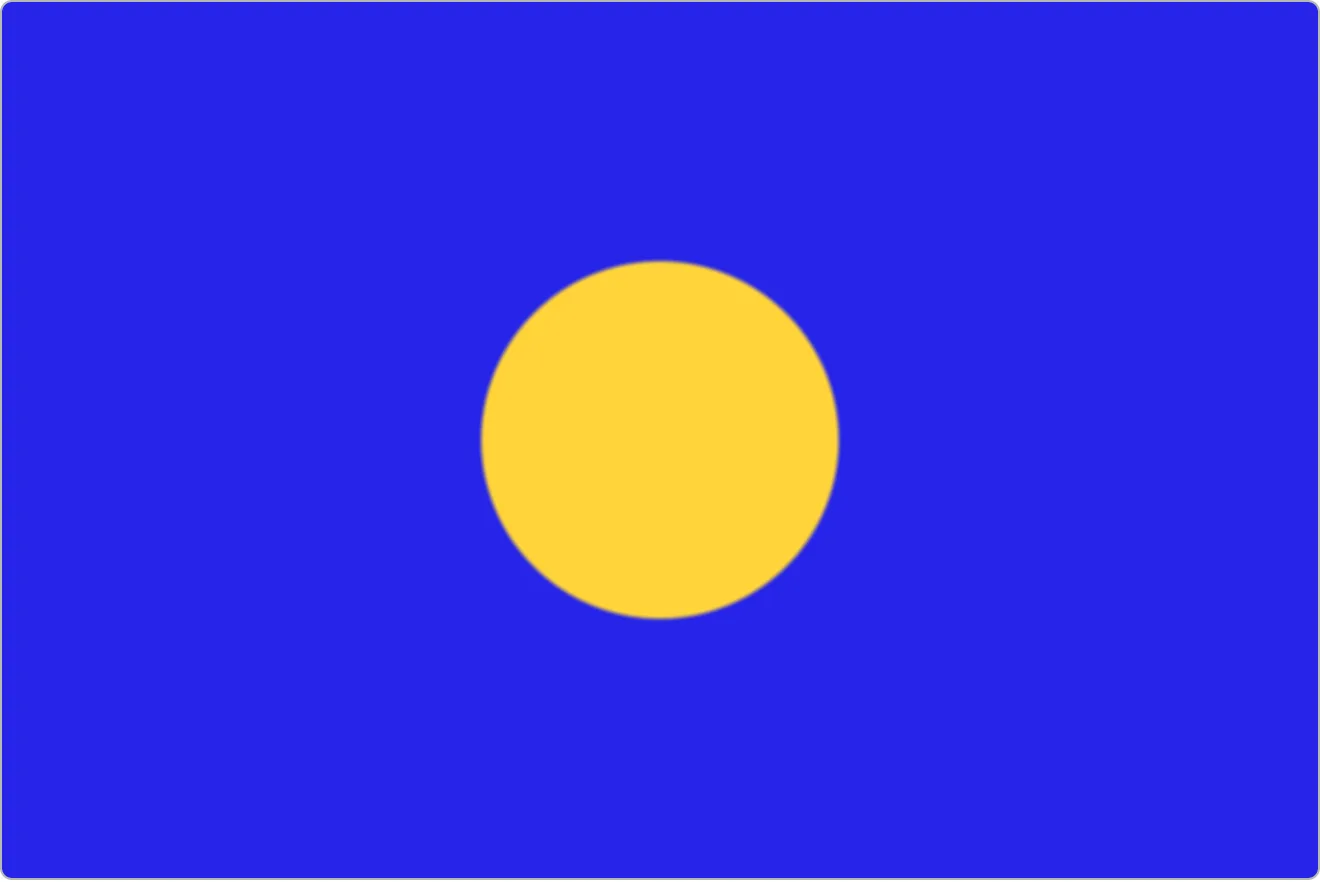
d is the distance from the pixel to the rim of the disc: negative inside it, 0 on the rim, positive outside. edge turns that one f32 into a mask, and mix reads the mask to pick a colour.
Filled by the page every frame, with no control: resolution.
Try the following, with the controls or by editing a line:
- Change
vec2(ratio, 1.)tovec2(1., 1.)on thepline. The disc stretches into an ellipse:ratiowas scaling the x component alone, which is what avec2lets you do. - Replace the
returnline withreturn vec4(vec3(fract(d * 10.)), 1.). The rings that appear areditself, andvec3spreads that onef32across the three colour channels. - Swap
length(p)formax(abs(p.x), abs(p.y))and the disc becomes a square, or forabs(p.x) + abs(p.y)and it becomes a diamond. Then write thef32for a shape of your own.
Emitted output
The whole module the compiler saw. The page added the vertex entry and the VsOut struct it returns; the rest is the file above.
struct VsOut {  @builtin(position) pos: vec4<f32>,  @location(0) uv: vec2<f32>,}
struct Uniforms {  resolution: vec2<f32>,  center: vec2<f32>,  radius: f32,  tint: vec3<f32>,}
@group(0) @binding(0) var<uniform> u: Uniforms;
@vertexfn fullscreen(@builtin(vertex_index) i: u32) -> VsOut {  let x = select(-1.0, 3.0, (i == 1u));  let y = select(-1.0, 3.0, (i == 2u));  return VsOut(vec4<f32>(x, y, 0.0, 1.0), vec2<f32>(((x * 0.5) + 0.5), ((y * 0.5) + 0.5)));}
@fragmentfn main(@location(0) uv: vec2<f32>) -> @location(0) vec4<f32> { let ratio = (u.resolution.x / u.resolution.y); let p = ((uv - u.center) * vec2<f32>(ratio, 1.0)); let d = (length(p) - u.radius); let edge = (1.0 - smoothstep(0.0, 0.008, d)); return vec4<f32>(mix(vec3<f32>(0.15, 0.14, 0.91), u.tint, edge), 1.0);}#version 300 esprecision highp float;precision highp int;
out vec2 uv;
void main() { uint i = uint(gl_VertexID); float x = ((i == 1u) ? 3.0 : -1.0); float y = ((i == 2u) ? 3.0 : -1.0); gl_Position = vec4(x, y, 0.0, 1.0); uv = vec2(((x * 0.5) + 0.5), ((y * 0.5) + 0.5));}#version 300 esprecision highp float;precision highp int;
layout(std140) uniform Uniforms { vec2 resolution; vec2 center; float radius; vec3 tint;} u;in vec2 uv;layout(location = 0) out vec4 _ret;
void main() { float ratio = (u.resolution.x / u.resolution.y); vec2 p = ((uv - u.center) * vec2(ratio, 1.0)); float d = (length(p) - u.radius); float edge = (1.0 - smoothstep(0.0, 0.008, d)); _ret = vec4(mix(vec3(0.15, 0.14, 0.91), u.tint, edge), 1.0);}| Field | Type | Offset |
|---|---|---|
resolution | vec2<f32> | 0 |
center | vec2<f32> | 8 |
radius | f32 | 16 |
tint | vec3<f32> | 32 |