 TypeShade
TypeShade, a shader language you write in TypeScript
TypeShade is a language of its own, with TypeScript's syntax, types and editor. A file that starts with "use typeshade" emits WGSL for WebGPU and GLSL ES 3.00 for WebGL2. 73 of the 98 examples in the repository emit both from one file.
"use typeshade"
class Uniforms {  time: f32  mouse: vec2  warp: f32  ink: vec3  paper: vec3}
declare const u: uniform<Uniforms>
@fragmentexport function main(@location(0) uv: vec2): vec4 {  const p = uv * 4.0 - u.mouse * 2.0  const a = sin(p.x + u.time * 0.5) + cos(p.y - u.time * 0.3)  const b = sin(p.y * u.warp + a) * cos(p.x * u.warp - a)  const t = b * 0.5 + 0.5  const s = t * t * (3.0 - 2.0 * t)  return vec4(mix(u.ink, u.paper, s * s * (3.0 - 2.0 * s)), 1.0)}
Filled by the page every frame, with no control: time, mouse. mouse runs 0 to 1 over the canvas from the bottom left, the space uv is in.
One file, two targets
The compiler lowers hello.shade.ts to one intermediate representation and emits both targets from it. The file imports nothing, so it is the whole program; the pane beside it holds the WGSL and the GLSL ES 3.00 fragment a host hands to WebGPU or WebGL2, one tab each.
hello.shade.ts
"use typeshade";
class Clip {  @builtin("position") pos: vec4;}
class Color {  @location(0) color: vec4;}
@vertexexport function vs(@builtin("vertex_index") i: u32): Clip {  const x = i === 1 ? 0.8 : i === 2 ? 0. : -0.8;  const y = i === 2 ? 0.8 : -0.8;  return { pos: vec4(x, y, 0., 1.) };}
@fragmentexport function fs(): Color { return { color: vec4(1., 0., 0., 1.) };}struct Clip { @builtin(position) pos: vec4<f32>,}
struct Color { @location(0) color: vec4<f32>,}
@vertexfn vs(@builtin(vertex_index) i: u32) -> Clip { let _cse0 = (i == 2u); let x = select(select(-0.8, 0.0, _cse0), 0.8, (i == 1u)); let y = select(-0.8, 0.8, _cse0); return Clip(vec4<f32>(x, y, 0.0, 1.0));}
@fragmentfn fs() -> Color { return Color(vec4<f32>(1.0, 0.0, 0.0, 1.0));}#version 300 esprecision highp float;precision highp int;
layout(location = 0) out vec4 color;
void main() { color = vec4(1.0, 0.0, 0.0, 1.0);}More shaders
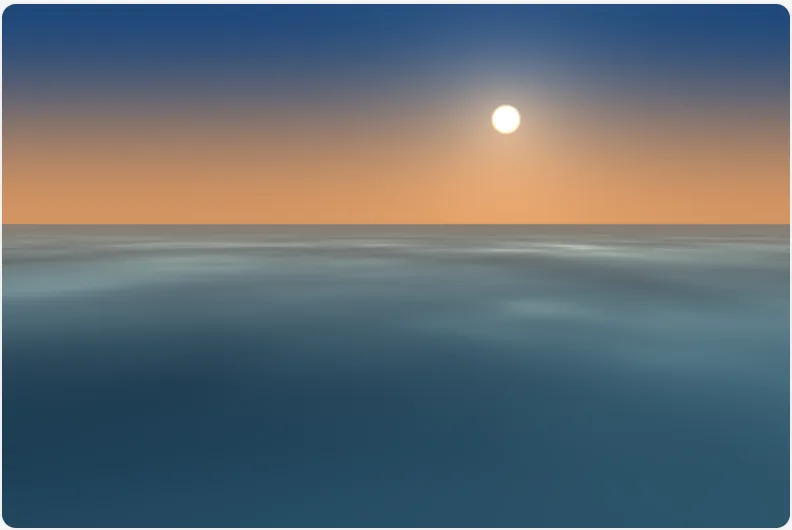
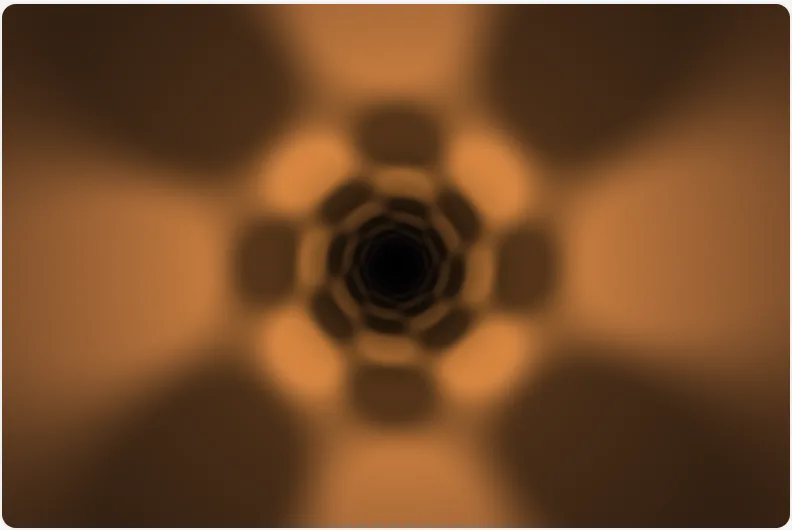
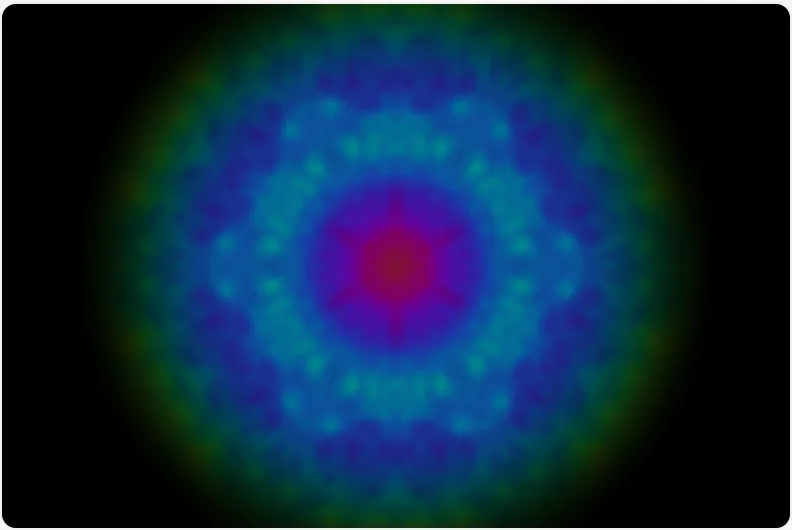
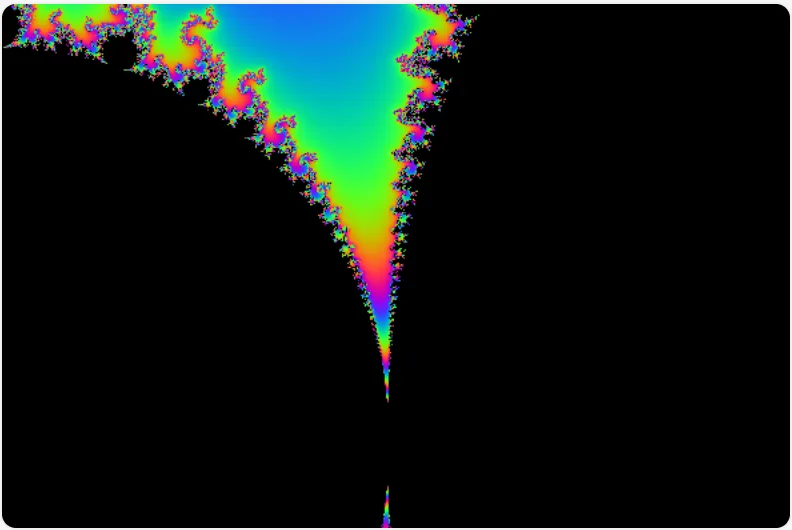
All examples98 examples ship with the compiler, from cartographic passes to compute kernels. Each tile is the frame its shader drew at build time, and opens the page that runs it.
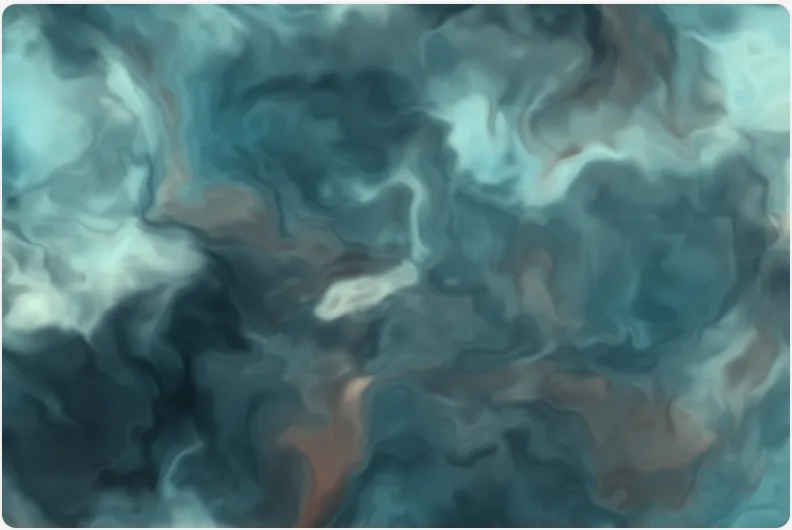
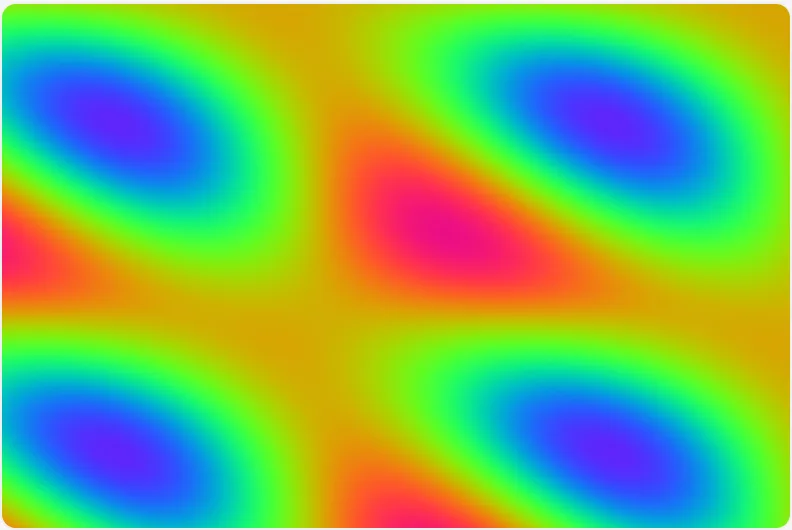
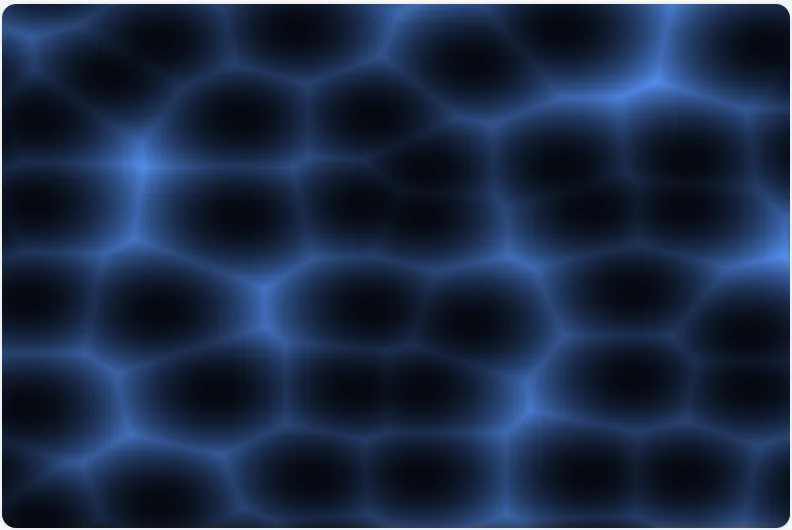
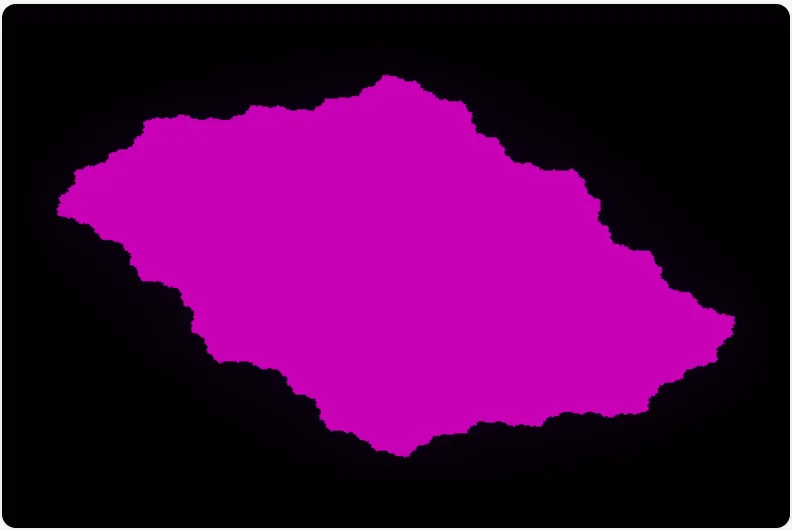

What carries over from TypeScript
GPU code has three things: resources, value layouts and entry points. TypeShade gives each a place TypeScript already has, and keeps the rest of the language where it fits the GPU. The full rules are in the language guide.
- "use typeshade"
- The directive is the language boundary
It is the first statement of the file, where a JavaScript directive goes. A file without it does not compile as a shader; with it, everything under it is checked as TypeShade and lowered to the compiler's intermediate representation.
- f32, vec3, mat4, sin(x)
- GPU types and builtins are globals
f32,vec3,mat4and the builtins such assinandvec4(...)need no import, andMath.sinandMath.PIare aliases of the same operations. The checker applies the shader rules to them in the editor, before any code is emitted. - class VsIn { @location(0) uv: vec2 }
- A type or a class is a value layout
Plain data is a
typealias; aclasscarries per-field metadata such as@locationand@builtin, and its fields lay out the struct both targets receive. - new Circle(center, 0.3).coverage(p)
- A class is a TypeScript class
Fields, a constructor and
new, methods and static functions,extendswithsuperandabstract, generic classes and functions, and the mixin pattern all compile. A method lowers to a function that takes the struct first, and a generic is compiled once per set of type arguments. The gallery has a file for each of them. - declare const u: uniform<Camera>
- declare names a resource the host fills
uniform<T>reads a uniform block, andstorage<T, "read_write">is a storage buffer the shader writes. There is no initializer: the host owns the slot, in the order the file declares them, andreflect()reports its layout. - @fragment export function fs(v: VsOut): vec4
- A decorated export is an entry point
@vertex,@fragmentand@compute([64, 1, 1])name the stage; a function without one is a helper. Stage inputs are explicit parameters, a@builtin("vertex_index")or a@location. There is no hidden global. - await scale({ k, xs, ys }, 4)
- A host file imports the module and calls it
Through the
typeshade/viteplugin, a host file imports a.shade.tsand calls what it exports. A helper runs on the CPU, a@computeentry runs on WebGPU or the WebGL2 compute tier where supported, and a full-screen@fragmententry draws into a canvas asfs(canvas, bindings). The bindings object is typed from the module, so a binding the call leaves out is a type error on the host's line.
Checked against the CPU
The same module runs on the CPU in f64, and the test suite checks the compiler's algebra against it. Every emit is compiled on Tint and linked on WebGL2 on each push. Below, the gradient pass drawn by each backend from the same file.


Install
Install the repository with npm through its Git URL. Import the package as typeshade; Quick Start covers installation and the first shader. The 0.2.0 registry release is not published yet.
npm install https://github.com/typeshade/typeshade.gitnpm install --save-dev tsxThe Git dependency contains TypeScript source. tsx runs the compiler and CLI under Node.js.